
Danish Khan
Full Stack Developer
Danish Khan
Full Stack Developer
 All Projects
loading-games - Mini Games for Loading States
Drop-in JavaScript library that replaces loading spinners with playable mini-games
8
Playable games at launch
<8 kB
Core bundle gzipped
4
Frameworks supported
HTML, React, Vue, Svelte
0
Runtime dependencies
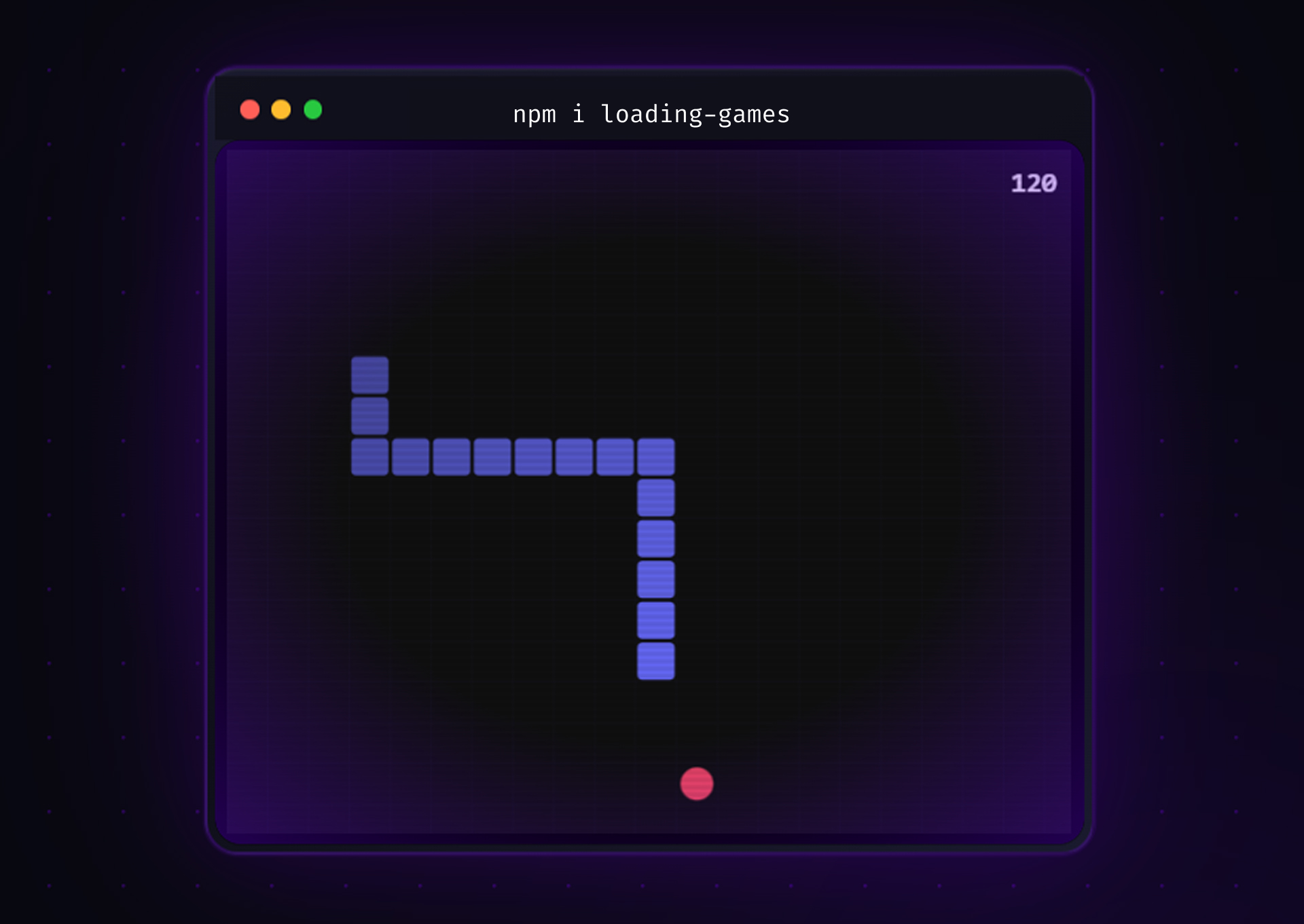
loading-games is a lightweight, framework-agnostic npm library that replaces loading spinners with fully playable mini-games. When an AI generation, file export, or heavy computation takes longer than expected, users get Snake, Flappy Bird, 2048, or five other games — then seamlessly return to the app the moment loading completes. The core bundle is under 8 kB. Each game is lazy-loaded only when needed.
Web apps increasingly have long loading states — AI responses, file processing, video rendering — but the industry answer is still a spinner. Spinners communicate nothing and actively encourage abandonment. The concept of playable loading screens is decades old (Namco patented it for PlayStation in 1995), but no polished, developer-ergonomic open-source library existed for the web. Every existing attempt was either a jQuery toy, framework-specific, or long abandoned.
A monorepo-structured npm library with a Web Component core (<loading-game>), native wrappers for React, Vue, and Svelte, and eight hand-crafted canvas games — each under 10 kB. An intelligent delay system ensures the game only appears if loading actually takes long enough to warrant it. A three-tier theming system auto-matches the host app's color scheme via CSS variables. Personal best scores persist across sessions.
Solo project — I designed the architecture, built all eight games, and shipped all four framework packages. I designed the GamePlugin interface contract that made parallel game development possible, built the Web Component core and lazy-load infrastructure, implemented each game against the Canvas 2D API with no engine or dependencies, and wrote the React, Vue, and Svelte adapters. Also set up the Turborepo monorepo, Changesets versioning, and size-limit CI enforcement.
Architecture
Designed the monorepo structure and locked the public API surface before writing any game code. The GamePlugin interface — init, start, pause, resume, destroy — became the contract every game implements.
Locked the GamePlugin interface before building any game — this let all eight games be developed in parallel without merge conflicts or API drift.
Core Engine
Built the Web Component shell, intelligent delay system, three-tier theme resolution, and lazy-load infrastructure. Each game is a separate tsup entry point and dynamic import — the core registers <loading-game> in under 8 kB; game code only downloads when first rendered.
Dynamic imports per game rather than a single bundle — users only download the Snake code if Snake is the configured game, keeping the initial load lean regardless of which games are installed.
Game Development
Implemented all eight games against the GamePlugin interface using the Canvas 2D API — no game engine, no dependencies. Snake served as the reference implementation.
Canvas 2D API with no engine — adding a game engine would have blown the <8 kB budget and introduced a dependency. The constraint forced clean, purpose-built game loops.
Framework Wrappers & Ship
Wrapped the Web Component in thin React, Vue, and Svelte adapters — each a single file that maps framework idioms to the core JS API. Changesets handled versioning across all four packages.
Thin adapter files (each a single file) over complex framework integrations — the Web Component does all the work; the wrappers just map prop conventions and lifecycle hooks.
The hardest part wasn't the games — it was the delay system. The first version showed the game immediately on any load, which caused a jarring flash for fast operations. The second version introduced a fixed 800 ms delay, which felt arbitrary. The final design — configurable delay plus a minDisplay prop that prevents a half-second game flash — required thinking about the problem from the user's perspective rather than the developer's API perspective. Good library DX means the right thing is also the easy thing.
THANK YOU
" First solve the problem.
Then write the code."
~ John Johnson